MEMEX
I made a tool to collect visual inspiration
I created MEMEX as a tool to gather design inspiration. For years, I had used tools like Pinterest or standalone macOS apps to gather inspiration, but they were either too complex, too basic, too expensive, deprecated… the list goes on.
I wanted a tool where I could drop images into a folder and see them in a browser. When I discovered PHP had a simple method to support this, MEMEX was born. I used one snippet of PHP to look for any images in a folder and render them on the page. Simple! Since launching in 2018, I’ve migrated the site to Astro… that keeps things simple, gives the site a speed boost, and supports simpler hosting options.
View the project ¦ GitHub repo
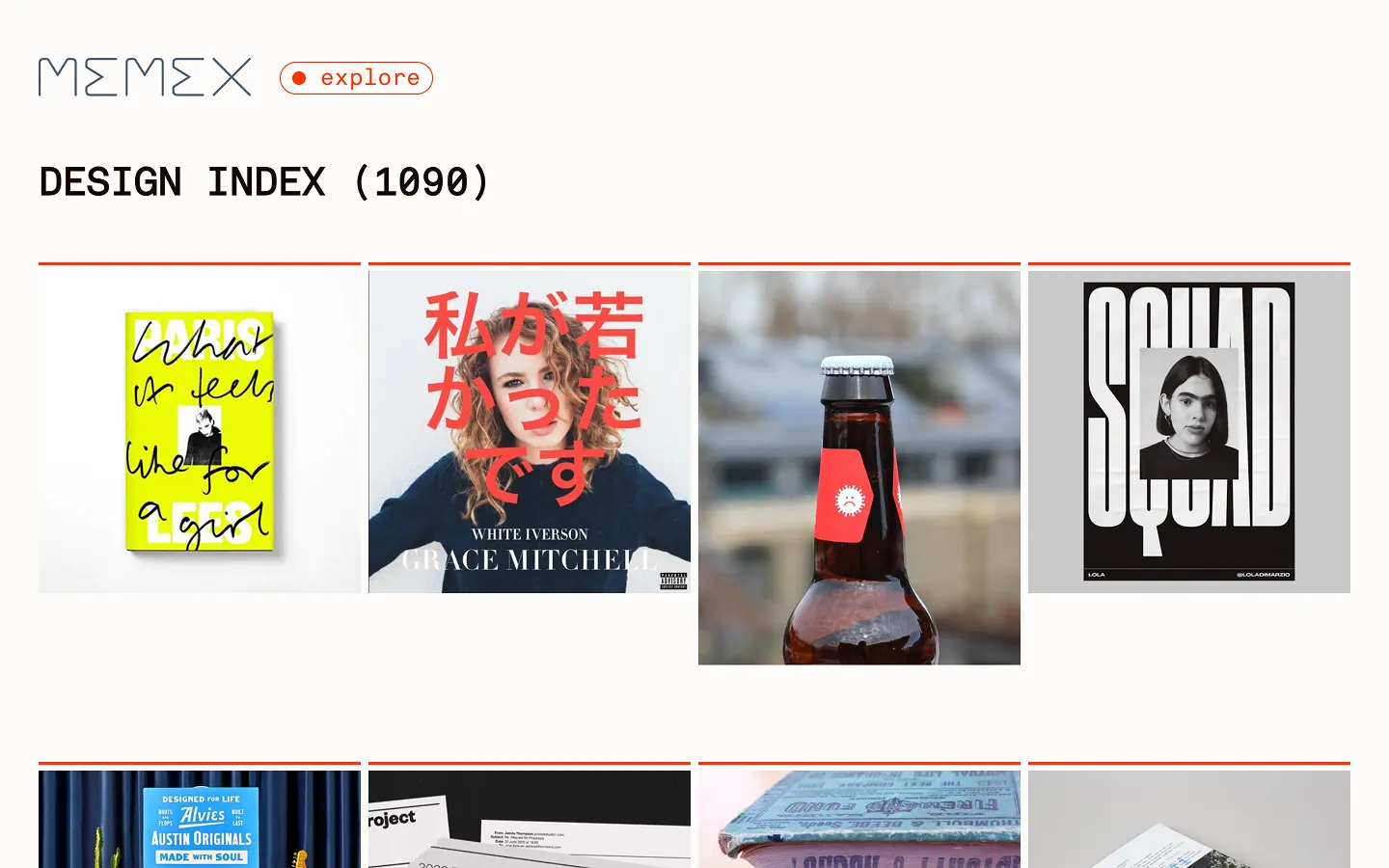
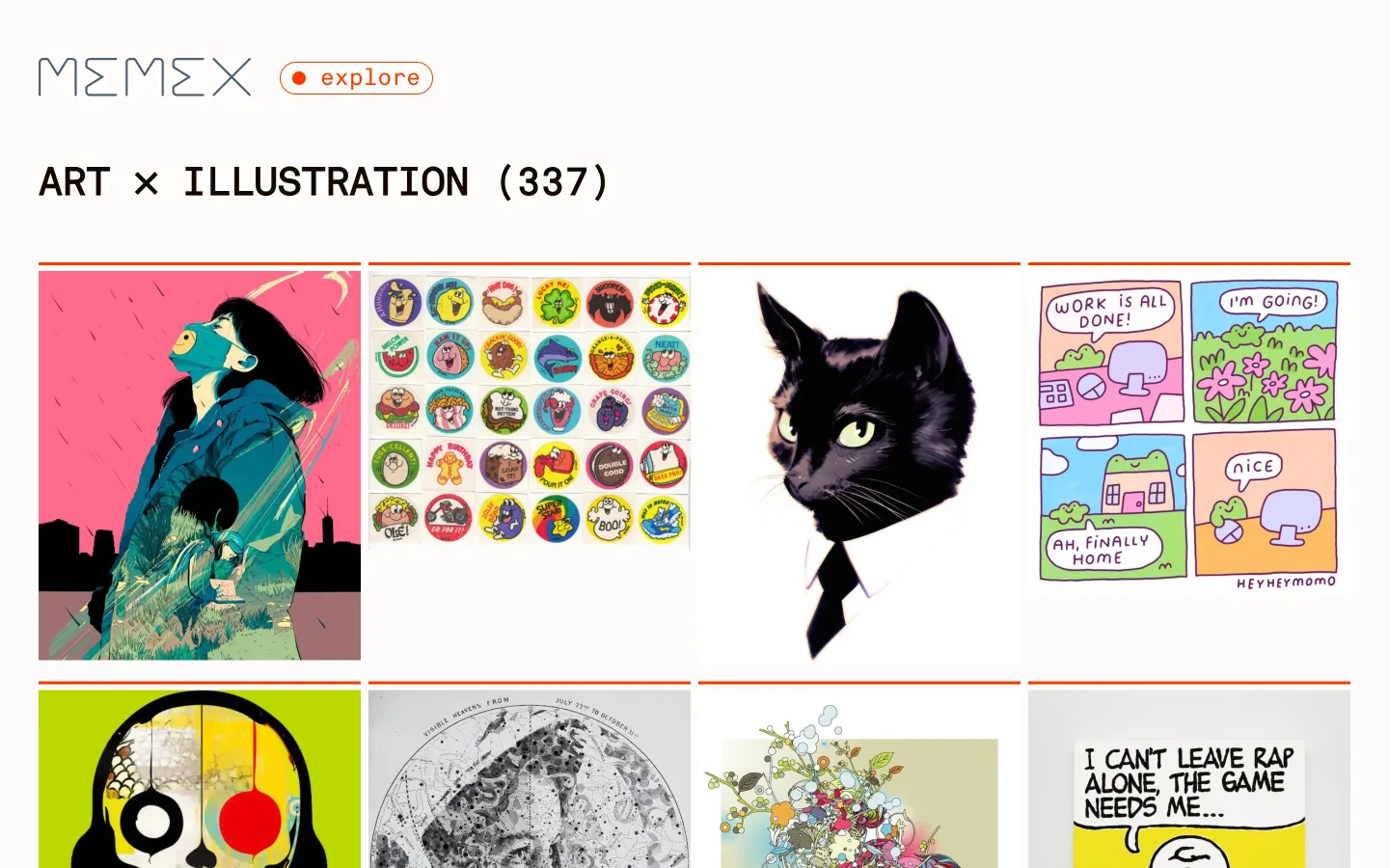
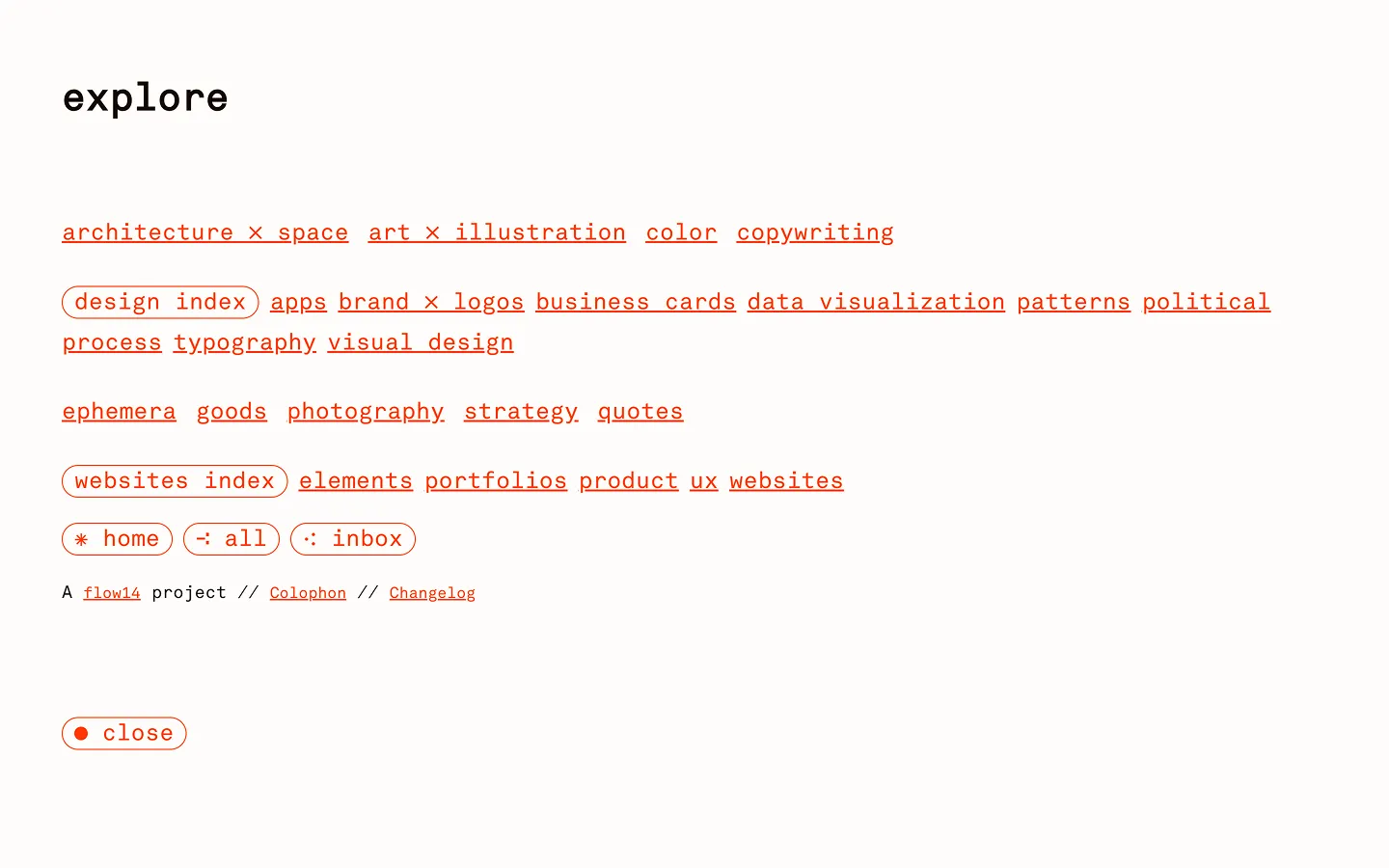
I run a local (PHP) version of the site that’s always up-to-date (and speedy). I also maintain a public version so I can browse for inspiration when I’m away from home.
Since creating MEMEX in 2018, I’ve continued to refine it: I’ve restructured the nav, randomized the image rendering, added an inbox, and more. I’ve also added LLM-assisted features, like displaying image counts for each page, and created index pages that render images from all the subdirectories for the largest categories: visual design and web design.
If you’re curious about the design and tooling, there’s a colophon. The source code is available on GitHub and there’s even a boilerplate (PHP) version if you want to roll your own.
Tools used
- Astro, static site framework (free)
- Cloudflare Pages, hosting and deployment (free tier)
- Cloudflare R2, image storage (free tier)
- rclone, file sync to R2 (free)
- Node.js and sharp, image processing (free)
- Visual Studio Code (free) and Claude (pro plan), coding
- Figma, logo and visual design (pro plan)
- GitHub, hosting the code (free)